
Crevas AI
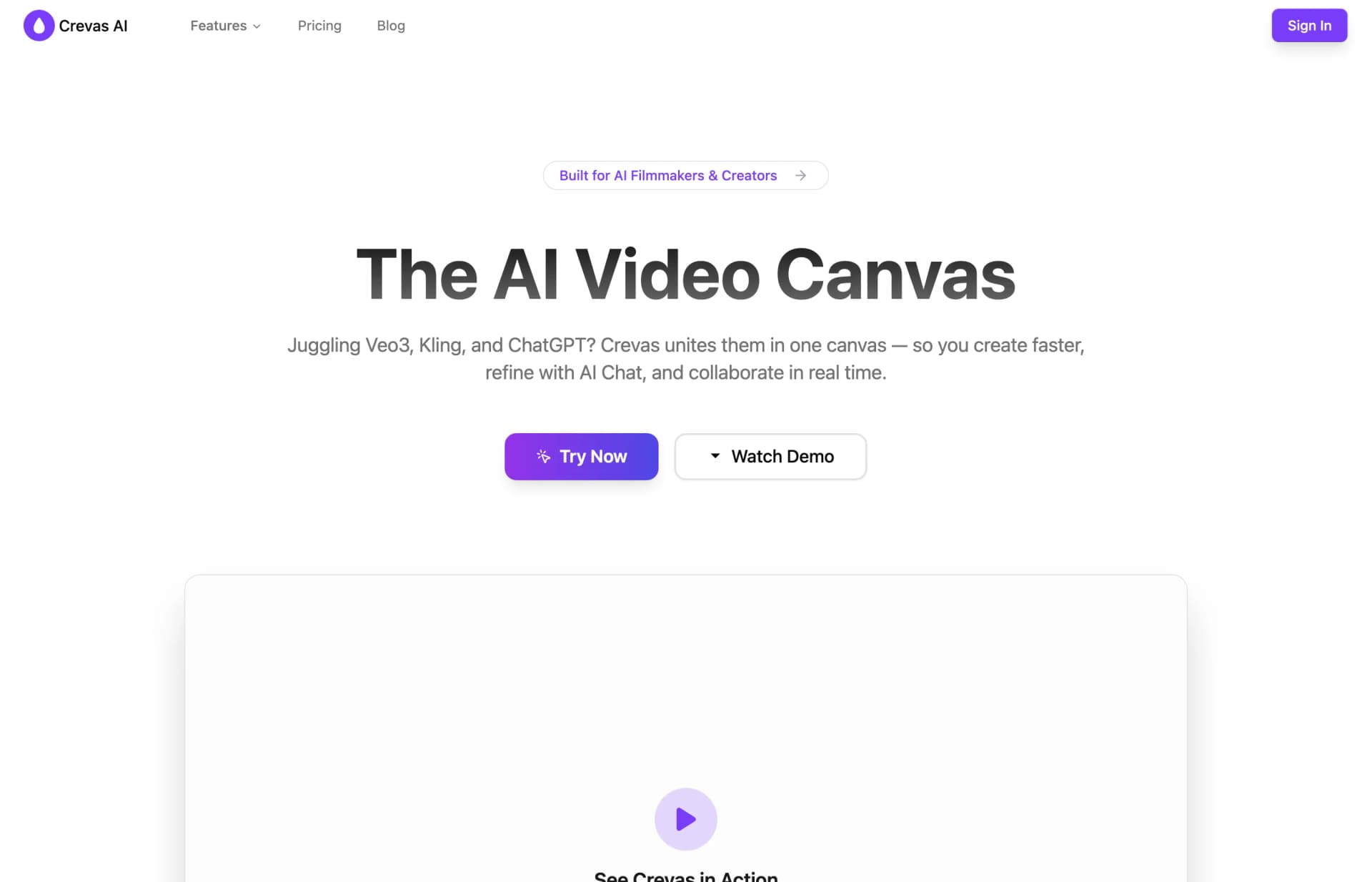
Crevas AI combines multi-model video generation with script-to-shot and prompt generation in a collaborative canvas. Teams can edit together and share browser-based client previews.
0
About
Crevas AI is a video creation canvas for filmmakers, content creators, marketing teams, studios and agencies. It brings multiple generation models into one workspace and turns rough scripts into shot lists, prompts and videos. Teams can co-edit scripts and prompts in real time, then share project links for clients to preview videos with view-only or editing permissions. Its image-to-video tools accept reference images and first and last frames. Export resolution and project allowances depend on the plan.
Is Crevas AI right for your workflow?
Product details from the vendor’s documentation.
Who it is for
- Filmmakers and storytellers
- Content creators
- Marketing teams
- Studios and agencies
What you provide
- Rough scripts
- Reference images and first and last frames for image-to-video generation
What you can create or export
- Shot lists, prompts and generated videos
- Video exports in 16:9, 9:16 and 1:1 aspect ratios
- 720p and 1080p exports on Plus; upscaled 4K exports on Pro
Supported platforms
- Browser-based client video previews through shared project links
Integrations
- Integrated generation models include Veo 3, Kling 2.5 Turbo, Wan 2.5 and Nano Banana.
Limits and requirements
- The Free plan is preview-only and includes 0 free credits.
- Plus includes 3 projects and 1,000 credits per month; Pro includes unlimited projects and 10,000 credits per month.
Access, licensing and data
- The terms state that certain services may require an account.
- Crevas's terms say users retain rights to content they upload, submit, store or post, while granting Crevas a license to use that content only to provide its services.
- According to the privacy policy, deletion requests may be available in certain circumstances depending on applicable regional laws. Rights requests can be sent to hi@crevas.ai.
Use cases
- Turn film scripts into sequences and compare visual styles in parallel.
- Create multiple versions of creator videos while maintaining character consistency.
- Produce product demos, social ads and brand stories for marketing campaigns.
- Collaborate on studio and agency projects with version control and client-ready exports.
Features
- 1 - Generate videos with multiple AI models in one canvas.
- 2 - Convert rough scripts into shot lists and prompts.
- 3 - Co-edit scripts and prompts in real time with editing and viewing permissions.
- 4 - Share project links for client video previews without downloads.
- 5 - Use reference images or first and last frames for image-to-video generation.
- 6 - Use the Character feature to support character consistency across scenes in Veo 3.
- 7 - Manage versions within the workspace.
Pricing plans
Free
$0
- 0 free credits. Access to all AI models
- preview only.
Crevas Plus
$29.00/monthly
- 1,000 credits per month. Access to Veo 3
- Nano Banana
- Kling and more. 720p and 1080p exports. 3 projects.
Crevas Pro
$199.00/monthly
- 10,000 credits per month. Upscaled 4K exports. Unlimited projects.
The pricing section offers subscriptions and additional credits. Enterprise requires contacting sales for custom credits and seats. The FAQ says there is no free trial and describes billing as pay-as-you-go, despite the displayed monthly subscription plans. The terms say cancellation takes effect at the end of the current billing cycle and payments are generally non-refundable unless local law or the refund policy specifies otherwise.
FAQ
Which AI video models work with Crevas?
Crevas lists Veo 3, Kling 2.5 Turbo, Wan 2.5 and Nano Banana among its supported models, alongside other text-to-video and image-to-video models.
How can teammates collaborate and clients preview videos without downloading?
Teammates can co-edit scripts and prompts in real time. Clients can preview videos in a browser through a shared project link, with permissions controlling editing or viewing access.
Does Crevas support 4K and different aspect ratios?
Crevas lists 16:9, 9:16 and 1:1 exports and resolutions from 720p to 4K. It also offers upscaling to 1440p and 4K. The pricing table lists 4K upscaled exports under Pro.
Loading reviews...
Explore similar tools
Matched by shared tasks, capabilities and categories.

Soro 2
FreemiumNo ratings yet
0 reviews
Shared focus: ai video, video creation
Create stunning AI-generated videos in seconds with Soro 2, powered by OpenAI Sora 2.
OpenSeedance
FreemiumNo ratings yet
0 reviews
Shared focus: ai video, ai models
Create stunning AI-generated videos from text and images with OpenSeedance.

SeedClip
FreemiumNo ratings yet
0 reviews
Shared focus: ai video, ai models
Create stunning AI-generated videos from text, images, and videos with SeedClip's advanced technology.

VeeSpark
FreemiumNo ratings yet
0 reviews
Shared focus: ai video, filmmaking
Create stunning AI videos and storyboards effortlessly with VeeSpark's powerful tools.

YouArt
FreemiumNo ratings yet
0 reviews
Shared focus: video creation, ai models
YouArt is a creative agent that automates workflows for generating images and videos, streamlining the creative process.

ArtAny
FreemiumNo ratings yet
0 reviews
Shared focus: video creation, ai models
ArtAny is an AI art generator that transforms ideas into stunning visuals quickly and easily.