DiffFind
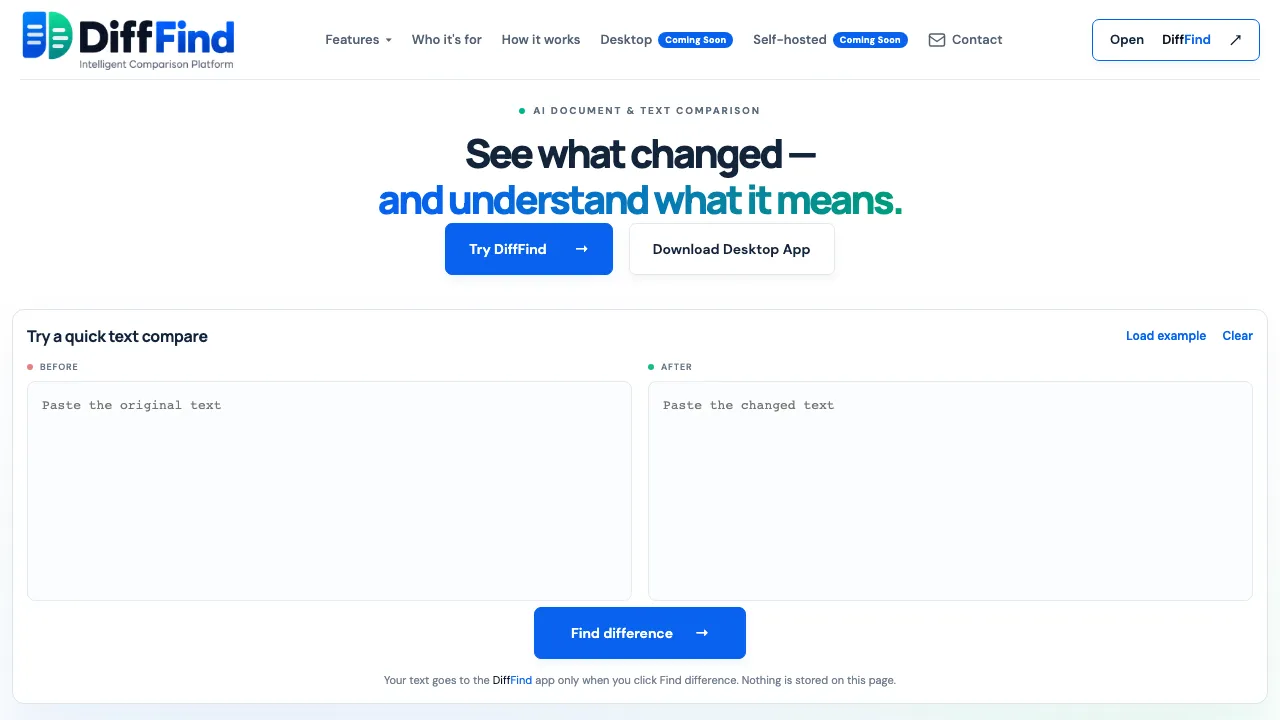
Compare text, documents, and API responses with precise differences and AI-powered semantic analysis.
Visit DiffFind ↗- Category
- Text
What is DiffFind?
AI document and text comparison tool that helps users identify changes and understand their meanings.
Use cases
- Business users can compare contracts and invoices to see changes before approval.
- Everyday users can check changes between drafts of resumes or articles.
- Power users can automate comparisons using cURL commands and REST API.
Similar tools
Matched by shared tasks, capabilities and categories.

Freemium
Real-time market analysis for meme coins on the Solana network, powered by AI.
Shared focus: ai analysis

Freemium
Manage and boost your wealth effortlessly with Moning's powerful investment tools.
Shared focus: ai analysis

Freemium
AI-driven market intelligence platform for real-time trading insights and alerts.
Shared focus: ai analysis

Freemium
Instantly discover your face shape and receive personalized style recommendations with our free AI tool.
Shared focus: ai analysis

Freemium
Swimm helps teams modernize legacy code by automatically reverse engineering applications and providing clear documentation.
Shared focus: ai analysis

Analyze your WhatsApp and iMessage chats with Clark Reads for insightful reports on conversations.
Also in text and data analysis
DiffFind FAQ
What is AI document comparison?
It finds exact differences between document versions and helps understand if the meaning changed.
Can DiffFind compare API requests and responses?
Yes, it can compare API responses and requests using URLs or cURL commands.
What is Semantic Find?
It allows searching documents by meaning rather than exact words.
Does DiffFind store my files?
Not by default; content is processed only when comparing.
What file formats does DiffFind support?
It supports plain text, JSON, YAML, XML, CSV, PDF, Excel, and Word documents.
What does semantic analysis do?
It highlights material changes and explains their likely impact.
Do I need AI to compare documents?
No, the core comparison works without AI.
How detailed can a comparison be?
You can compare by character, word, sentence, line, or paragraph.
Directory listing. Confirm current features, pricing and terms with the provider. User ratings are separate from editorial testing.
Report outdated information or request ownership of this listing
Help keep DiffFind accurate. Include an official source and describe the correction. Ownership requests are reviewed manually and do not grant editing access.