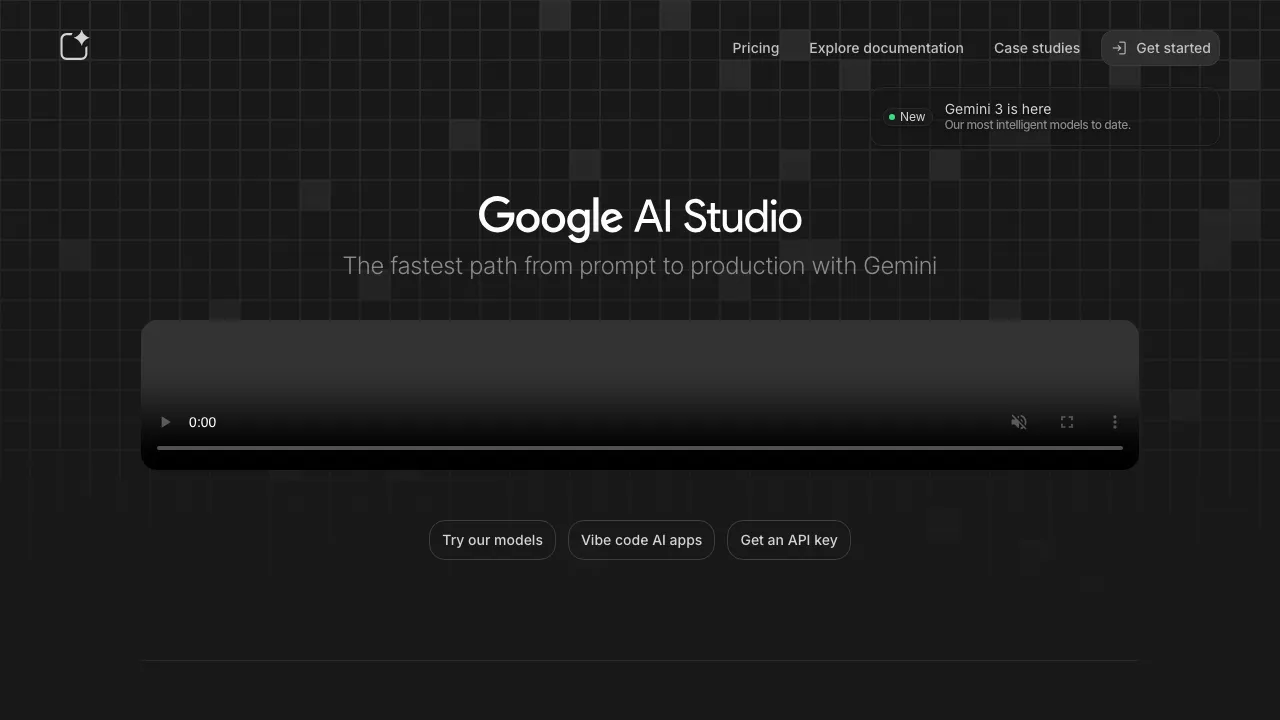

Google AI Studio
Google AI Studio helps developers build with Google's AI models through prompts, model experiments and remixable apps. It also manages Gemini API keys and resource usage.
Visit Google AI Studio ↗- Category
- Development
- Pricing
- Free
- Creates
- Images · Video · Voice · Audio
- Source checked
- Nov 18, 2026
What is Google AI Studio?
Google AI Studio is a development environment for building with Google's AI models. Developers can start from prompts, experiment with models for image, video, speech and music generation, and remix example apps. It also provides API key management and resource usage monitoring for Gemini API development. A Stream option lets developers try the Live API before building real-time interactions. Google's terms restrict use to professional or business development rather than consumer use.
Google AI Studio features
API key management
Manage keys and monitor Gemini API resource usage in one place.
Remixable app gallery
Start from example projects covering personal websites, games and interactive art.
Live interaction experiments
Select Stream to try the Multimodal Live API before building an application.
Safety & privacy
Documented policies and disclosures; not a security certification.
- Chats used for AI training
- Optional
Google's terms allow machine-learning improvement from Unpaid Services content, with Paid Services and regional exceptions.
Source ↗ - Chats are stored
- Yes
Google's terms say Paid Services prompts and responses are logged for a limited period for abuse detection and required disclosures.
Source ↗
Is Google AI Studio right for your workflow?
Product details from the vendor’s documentation.
Who it is for
- Developers building with Google AI models for professional or business purposes.
What you provide
- Prompts describing an app or project.
What you can create or export
- Apps built or remixed from example projects.
- Generated images, videos, speech and music.
Integrations
- Google Search grounding provides responses informed by search results within AI Studio.
How it works
- Select Stream in Google AI Studio to try the Live API.
Limits and requirements
- Users must be at least 18, and applications using the services must not target or be likely to be accessed by people under 18.
- Access is limited to available regions. Applications made available to users in the EEA, Switzerland or UK must use Paid Services.
- Google instructs users not to submit sensitive, confidential or personal information to Unpaid Services.
Access, licensing and data
- Google's terms identify direct interactions with AI Studio as an offering available free of charge.
- Google applies Paid Services data terms to AI Studio accounts with access to an actively billed Cloud Project or a Workspace enterprise account, even when Studio access is free.
- Google applies Paid Services data-use terms in the EEA, Switzerland and UK, including to free AI Studio use.
Official sources (6)
These sources describe the vendor’s product. They do not represent hands-on testing by Artificin. Check the vendor for current pricing and terms.
- Google AI Studio | Build with the Gemini API
- Docs - Gemini API | Google AI Studio
- Live API capabilities guide - Gemini API | Google AI Studio
- Gemini API Additional Terms of Service - Gemini API | Google AI Studio
- API reference - Gemini API | Google AI Studio
- Partner and library integrations - Gemini API | Google AI Studio
Use cases
- Build a conversational language-learning app.
- Build an app that removes backgrounds.
- Remix game, personal website and interactive art projects.
Similar tools
Matched by shared tasks, capabilities and categories.

Access 100+ generative AI models for creative workflows with Picsart AI Hub.

An API gateway that routes AI requests to optimize costs and performance.

AlignAPI simplifies API integration for developers and businesses, enhancing productivity and streamlining workflows.

Automate end-to-end testing flows using natural language with Kane AI.

Create and manage AI-driven applications effortlessly with Bubble AI.

Build AI-powered applications effortlessly with Momen's no-code platform.
Directory listing. Confirm current features, pricing and terms with the provider. User ratings are separate from editorial testing.
- Google AI Studio | Build with the Gemini API
- Docs - Gemini API | Google AI Studio
- Live API capabilities guide - Gemini API | Google AI Studio
- Gemini API Additional Terms of Service - Gemini API | Google AI Studio
- API reference - Gemini API | Google AI Studio
- Partner and library integrations - Gemini API | Google AI Studio
Report outdated information or request ownership of this listing
Help keep Google AI Studio accurate. Include an official source and describe the correction. Ownership requests are reviewed manually and do not grant editing access.
Google AI Studio user ratings
Be the first to rate Google AI Studio. It takes four clicks, and a written review is optional.
Rate Google AI Studio
Log in to rate Google AI Studio in four clicks. A written review is optional.
Log In to Rate