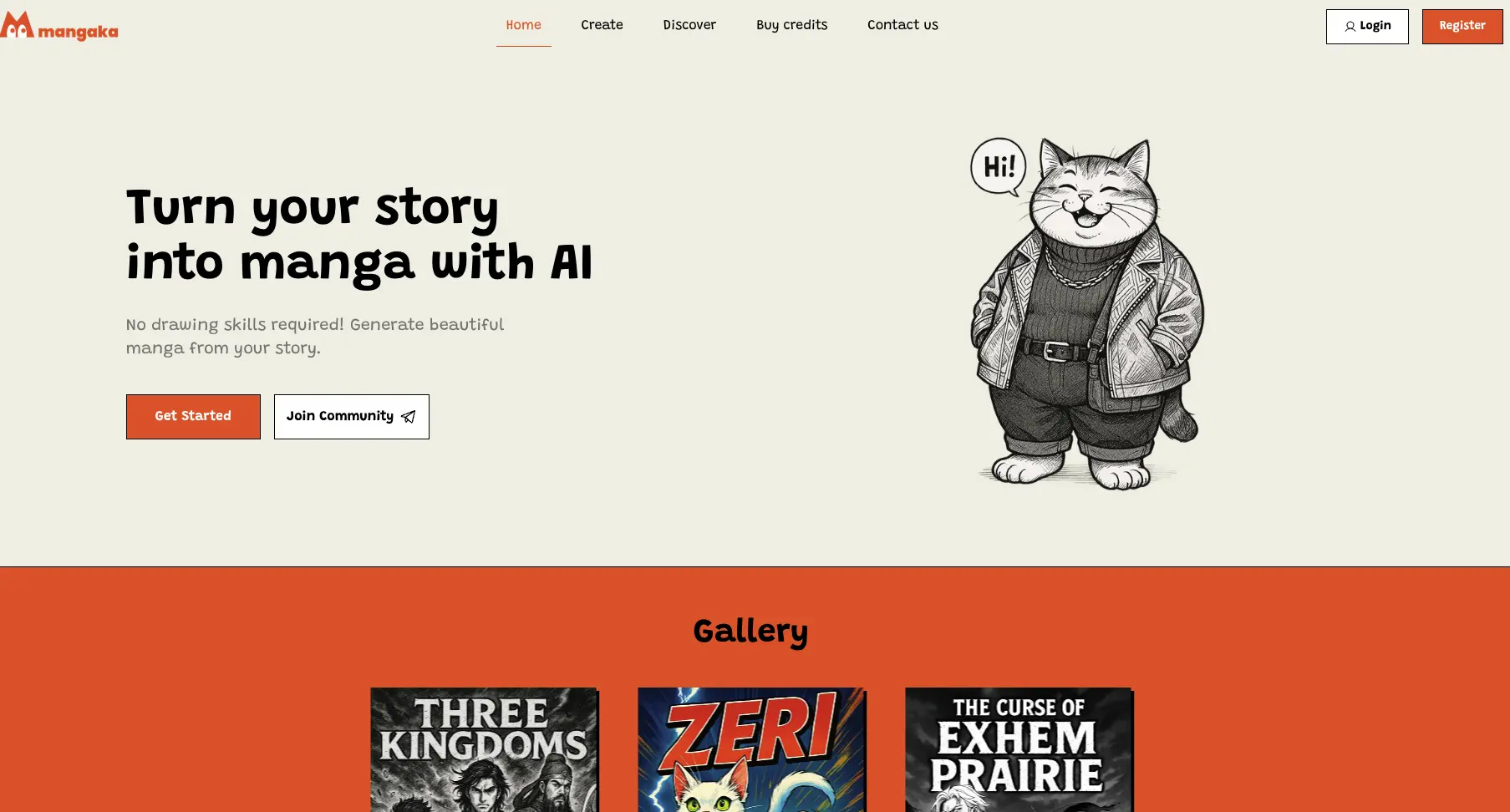

Mangaka app
Mangaka generates manga from scripts or TXT story files, with character design, selectable art styles, and storyboard text editing.
0
About
Mangaka turns written scripts into AI-generated manga panels for indie creators, writers, and storytellers. You can write a story or upload a TXT file, design characters, and choose an existing or custom manga style. Its tutorial describes adjusting character poses and expressions and editing storyboard dialogue and text. Generated stories can be downloaded. The service also accepts requests for manga chapter intros with character voiceovers, transitions, and background music.
Is Mangaka app right for your workflow?
Product details from the vendor’s documentation.
Who it is for
- Indie creators, writers, and storytellers.
- Small studios.
- Publishers and brands.
What you provide
- Written stories or uploaded TXT story files.
- Character descriptions, art-style choices, and uploaded reference images or photos.
What you can create or export
- AI-generated manga panels and downloadable stories.
- Requested manga chapter intros with voiceovers, transitions, and background music.
Supported platforms
- Website and mobile applications, as identified in the privacy policy.
Integrations
- Google Sign-In for account authentication.
How it works
- Write your story or upload a TXT file containing it.
- Design characters and select a manga style or create a custom style.
- Wait for generation, then download the story.
Limits and requirements
- The terms prohibit generating or sharing pornographic or sexually explicit materials, infringing or plagiarized works, and hate speech, violence, or illegal content.
- Essential cookies are required for sign-in.
Access, licensing and data
- The vendor says it does not use user-created content to train its own AI models.
- The privacy policy says prompts, scripts, and uploaded reference images are sent to third-party AI providers; the provider depends on the selected model and art style.
- The vendor says account deletion removes personal data and unpublished content within 30 days, except legally required records. Backups are purged within 90 days.
- The terms say users retain ownership of submitted materials while granting Mangaka a non-exclusive, royalty-free license to use, host, and process inputs for service improvement and content generation.
Use cases
- Turn novels or web fiction into visual narratives.
- Create custom comic content for publisher and brand marketing.
- Showcase a manga chapter on social media with an AI-generated intro.
Features
- 1 - Generate manga panels from a written script.
- 2 - Choose a manga style or create a custom style.
- 3 - Design characters and adjust their poses and expressions.
- 4 - Edit dialogue and text in the storyboard.
- 5 - Download generated stories.
- 6 - Request a manga chapter intro with character voiceovers, cinematic transitions, and background music.
Pricing plans
Free
FREE
- 10 credits.
For Fun
Starting at $9.99
- 80 credits. No watermark.
For Hobbyists
Starting at $19.99
- 180 credits
- displayed alongside (160)
- with a 12.5% bonus. No watermark. Includes animation creation.
For Studio
Starting at $99.99
- 1,000 credits
- displayed alongside (800)
- with a 25% bonus. No watermark. Includes animation creation.
For Business
$9,999/One-time payment
- No watermark
- priority generation
- and animation creation.
The vendor offers pay-as-you-go credits and subscriptions. The Business offer directs users to contact the vendor.
Loading reviews...
Explore similar tools
Matched by shared tasks, capabilities and categories.

Ghola
FreemiumNo ratings yet
0 reviews
Shared focus: art
Create stunning AI-generated character portraits effortlessly.

Playground AI
FreemiumNo ratings yet
0 reviews
Shared focus: art
Create and edit graphics from text prompts, uploaded images or customizable templates. Playground includes tools for changing styles, removing objects and...

AI Image Combiner
FreemiumNo ratings yet
0 reviews
Shared focus: art
Combine two images into one original creation using AI technology.

AI Picasso
FreemiumNo ratings yet
0 reviews
Shared focus: art
Create unique AI illustrations and avatars with ease using AI Picasso.

AI Up House
FreemiumNo ratings yet
0 reviews
Shared focus: art
Discover stunning AI-generated images inspired by the Up house and more.

Flux 1.1 Pro
FreemiumNo ratings yet
0 reviews
Shared focus: art
Transform your text prompts into stunning visuals with Flux 1.1 Pro's advanced AI technology.