
FinConv
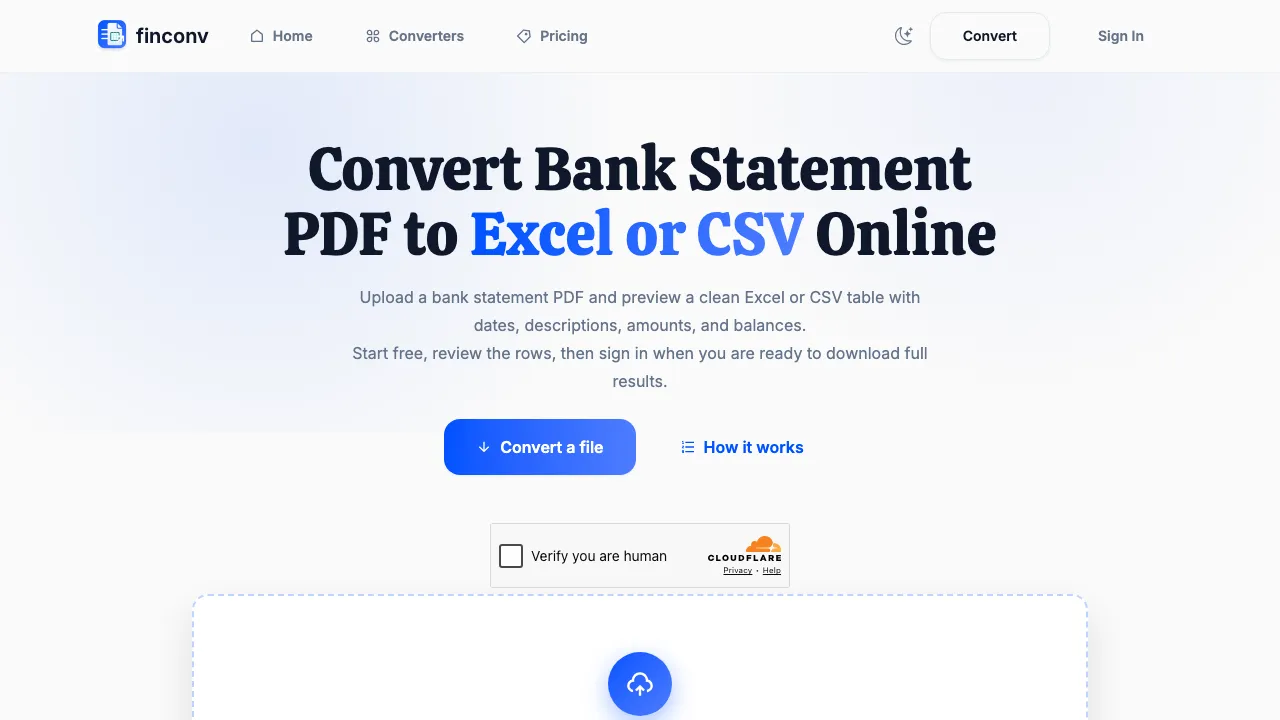
Convert bank statement PDFs to Excel, CSV, or JSON quickly and easily.
Visit FinConv ↗- Category
- Data-Analysis
- Pricing
- Freemium
What is FinConv?
FinConv is an online bank statement converter that allows users to upload bank statement PDFs, JPGs, or PNGs and convert them into clean, structured Excel, CSV, or JSON files. It is particularly useful for freelancers, bookkeepers, and small teams who need to extract transaction data from bank statements for accounting or analysis. The tool features AI-assisted extraction, ensuring that users can preview the data before downloading. With support for password-protected PDFs and various file formats, FinConv simplifies the process of managing financial data. Users can easily review and download their converted files without the need for software installation.
FinConv features
AI-assisted extraction of transactions
Supports PDF, JPG, and PNG formats
Preview extracted data before download
Handles password-protected PDFs
Exports to Excel, CSV, and JSON formats
Use cases
- Freelancers and bookkeepers can convert bank statements for accounting.
- Users can extract transaction data for financial analysis.
- Accountants can import data into software like QuickBooks or Xero.
- Individuals can manage personal finances by converting statements.
- Small teams can streamline bookkeeping processes.
Similar tools
Matched by shared tasks, capabilities and categories.

Convert your videos into shareable links quickly and easily with Video to Link.

Instantly convert binary to text and text to binary in your browser. Private and efficient.

Convert HTML code into a live URL for quick sharing and previews.

Generate Excel and Google Sheets formulas instantly with AI tools, simplifying data management for users.

Automate your workflows and enhance productivity with Lutra's AI-powered integrations.

Activeloop simplifies AI data management by enabling seamless access and analysis of unstructured data across multiple…
FinConv FAQ
Can I convert a bank statement PDF to Excel with a free start?
Yes. You can upload a bank statement PDF and preview extracted rows before deciding whether to sign in and download the full Excel (XLSX), CSV, or JSON result. Daily usage limits apply.
Can I convert a bank statement PDF to CSV?
Yes. Upload your PDF bank statement, review the extracted transactions, then choose CSV on the download step.
Does this work with scanned bank statements?
Yes. Scanned PDFs and image files (JPG, PNG) are supported.
Can I convert a credit card statement PDF to Excel?
Yes. Upload your credit card statement PDF and choose Excel or CSV output.
Can I upload password-protected PDF statements?
Yes. Password-protected bank statement PDFs up to 50MB are supported.
Directory listing. Confirm current features, pricing and terms with the provider. User ratings are separate from editorial testing.
Report outdated information or request ownership of this listing
Help keep FinConv accurate. Include an official source and describe the correction. Ownership requests are reviewed manually and do not grant editing access.
FinConv user ratings
Be the first to rate FinConv. It takes four clicks, and a written review is optional.