
Format Factory
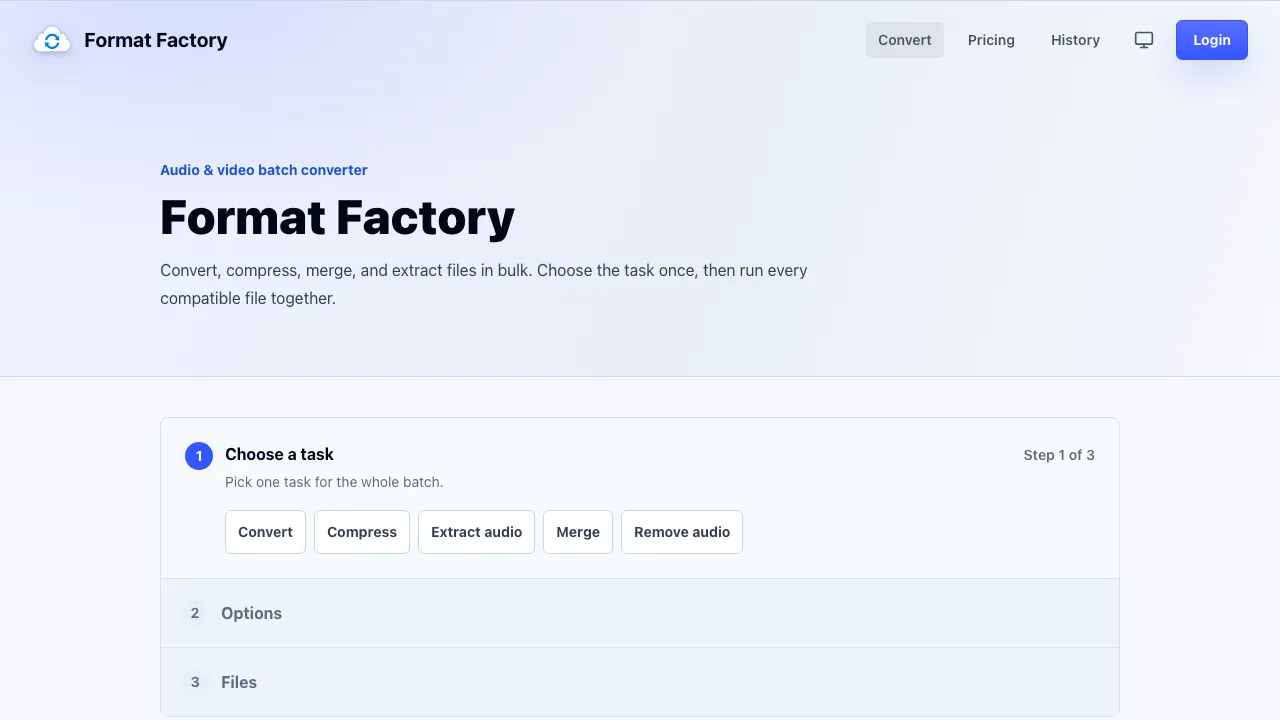
Convert, compress, merge, and extract audio and video files in bulk directly in your browser.
0
About
Format Factory is a browser-based tool designed for converting, compressing, merging, and extracting audio and video files in bulk. It allows users to handle multiple files simultaneously without the need for installation or complex setups. Users can choose a task once, set the output options, and add their files to run them all together efficiently. This tool is particularly useful for individuals and professionals who frequently work with media files and need a quick and reliable way to process them. With its user-friendly interface, Format Factory simplifies the workflow for audio and video conversions, making it accessible to everyone.
Use cases
- Ideal for users needing to convert multiple media files quickly.
- Convert MOV to MP4 for better compatibility.
- Extract audio from video files to create MP3 tracks.
- Compress large video files to meet upload limits.
- Merge multiple audio tracks into a single file.
Features
- 1 - Batch conversion of audio and video files
- 2 - Supports multiple input and output formats
- 3 - No installation required, runs in the browser
- 4 - Advanced settings for quality control
- 5 - Real-time progress tracking for each file
Pricing plans
Free
$0
- 10 conversions a day
- Files up to 250 MB
Most Popular
Paid Plan
$9.99/mo
- 12 GB file size limit
- Up to 40 conversions at once
Free accounts have limitations on conversions and file sizes.
FAQ
Do I need to install anything?
No. Format Factory runs entirely in your browser.
Do I need an account to convert files?
No account is required to start converting files.
Report outdated information or request ownership of this listing
Help keep Format Factory accurate. Include an official source and describe the correction. Ownership requests are reviewed manually and do not grant editing access.
Written reviews (0)
Reviews containing harmful, offensive, or misleading content will be removed by our admins.
No reviews yet. Be the first to share your experience!
Explore similar tools
Matched by shared tasks, capabilities and categories.
Muse Voice
FreemiumNo ratings yet
0 reviews
Shared focus: audio, video
Muse Voice is a powerful speech-to-text tool that transcribes audio and video into editable, timestamped text.

FlowPick
FreemiumNo ratings yet
0 reviews
Shared focus: audio, video
FlowPick is a privacy-first browser extension for downloading media streams directly in your browser.

Argil AI
FreemiumNo ratings yet
0 reviews
Shared focus: video
An AI-powered platform for generating realistic AI clone videos for marketing, education, and social media.

Uthana
FreemiumNo ratings yet
0 reviews
Shared focus: video
Uthana enables instant character animation from text, video, or real-time inputs, perfect for animators and developers.

AI Animate Image
FreemiumNo ratings yet
0 reviews
Shared focus: video
Transform your static images into stunning animations effortlessly with AI Animate Image.

AI Kissing Video Generator
FreemiumNo ratings yet
0 reviews
Shared focus: video
Transform your photos into lifelike kissing videos with our AI Kissing Video Generator.