
Grammarly
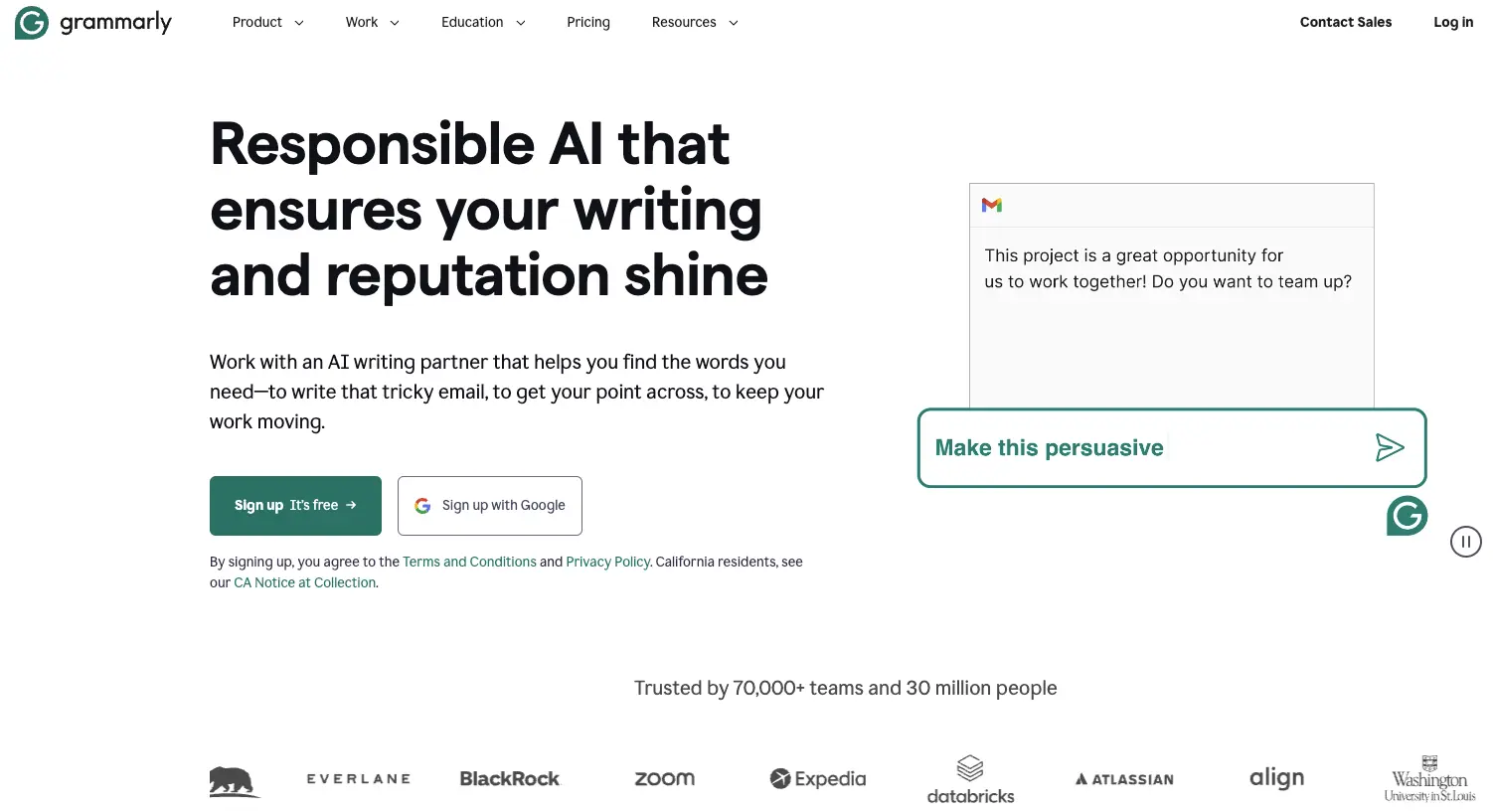
Grammarly helps draft, rewrite, and proofread text across browsers and apps. It also offers tone adjustments and team-specific style guidance.
Visit Grammarly ↗- Category
- Text
- Pricing
- Freemium
- Platforms
- Google Chrome, Mozilla Firefox, Microsoft Edge, and Safari · Windows and Mac desktop apps · Android, iOS, and iPad apps · Web-based Grammarly Editor
- Languages
- English writing assistance · Writing support in more than 20 languages; inline translation and paragraph rewrites in multiple languages
- Creates
- Text
- Free plan
- 100 AI prompts/month
- Price from
- $12 USD/member/month, billed annually
- Source checked
- Nov 11, 2026
What is Grammarly?
Grammarly is an AI writing assistant for individuals and teams. It works with existing text and generative AI prompts to help draft, rewrite, and proofread writing. Suggestions address grammar, punctuation, clarity, and tone. Team features include custom style guidance, brand tones, and reusable message templates. Grammarly is available in major browsers, Windows and Mac apps, mobile apps, and a web-based editor. Its Free and Pro plans have monthly AI prompt allowances, while Enterprise is offered through Superhuman Go.
Grammarly features
Reader-specific feedback
Choose a target reader, such as a teammate or teacher, to receive feedback for adapting a draft.
Team style guidance
Custom rules or an uploaded style guide provide real-time suggestions specific to an organization's brand.
Reusable message templates
Teams can create on-brand templates for repetitive writing tasks.
Grammarly pricing
Free
$0 USD per month
- Spelling and grammar assistance, tone identification, and 100 AI prompts per month.
Pro
$12 USD per member per month, billed annually
- The homepage also lists $30 USD per member per month when billed monthly.
- Includes Free features, full-sentence rewrites, tone adjustments, plagiarism and AI-text detection, and 2,000 AI prompts per member per month.
Enterprise
Contact sales
- For larger organizations, available through Superhuman Go.
- Includes Pro features, dedicated support, custom roles and permissions, and data loss prevention.
The pricing page offers a Pro trial for eligible individuals and teams with $0 payment today and an email reminder two days before the trial ends.
Safety & privacy
Documented policies and disclosures; not a security certification.
Is Grammarly right for your workflow?
Product details from the vendor’s documentation.
Who it is for
- Individual writers
- Teams
- Larger organizations
What you provide
- Existing written text
- Generative AI prompts
- Custom style rules or an uploaded team style guide
What you can create or export
- Drafts and outlines
- Rewritten paragraphs
- Writing suggestions covering grammar, clarity, and tone
Supported platforms
- Google Chrome, Mozilla Firefox, Microsoft Edge, and Safari
- Windows and Mac desktop apps
- Android, iOS, and iPad apps
- Web-based Grammarly Editor
Supported languages
- English writing assistance
- Writing support in more than 20 languages; inline translation and paragraph rewrites in multiple languages
Limits and requirements
- Free includes 100 AI prompts per month; Pro includes 2,000 per member per month.
- Tone adjustments, full-sentence rewrites, AI-text detection, and plagiarism checks are not included in Free.
Access, licensing and data
- According to the feature-page FAQ, users can request to view all data associated with their account.
- According to the feature-page FAQ, turning off a tailored assistance feature deletes the data stored for that feature's personalization.
Official sources (6)
These sources describe the vendor’s product. They do not represent hands-on testing by Artificin. Check the vendor for current pricing and terms.
Use cases
- Polishing emails and documents before sharing them.
- Keeping team writing consistent with an organization's style guide and brand voice.
- Getting feedback on a draft for a chosen reader, such as a teammate or teacher.
Grammarly tutorials & resources
Guides, videos and reusable material for getting more out of Grammarly. Each link goes to the original source.
From Grammarly
Grammarly for Windows and Grammarly for Mac user guide
Learn how to access writing suggestions across desktop apps and websites using Grammarly’s widget and AI Chat interface.
Grammarly’s browser extension user guide
Learn to check text with the browser extension, verify that it is active, and understand how it interacts with Grammarly’s desktop app.
Docs: Grammarly’s new AI writing surface
Explore how Grammarly Docs supports brainstorming, drafting, and revision with AI agents, including the settings required for team access.
Grammarly agent user guide
Learn to review underlined writing issues and accept or dismiss suggestions from the Grammarly agent in docs and Superhuman Go.
Paraphraser agent user guide
Learn how preset rewriting styles and a personal voice profile help adapt documents to your goals, audience, and writing style.
AI Chat in Grammarly for Windows and Mac user guide
Learn how desktop AI Chat supports questions, brainstorming, drafting, and revision alongside Grammarly’s writing suggestions.
Manage your team’s feature access
Learn how admins control team access to Grammarly features, including the web editor and docs with agents.
Get started with Grammarly
Learn to create an account, install Grammarly, check your writing, and personalize your experience across its product offerings.
How to Use Grammarly’s Prompts to Help With All Your Writing Tasks
Learn to use suggested prompts and write your own instructions for Grammarly’s generative AI writing features.
Create snippets
Learn to create and insert reusable text snippets, organize collections for user groups, and customize their keyboard shortcut.
Create style rules
Learn to create custom writing rules, import them in bulk, assign rule sets to teammates, and manage where those rules apply.
Set brand tones
Learn to configure organizational tone profiles, customize tone explanations, and limit brand voice feedback to selected websites.
Your first API request | API Documentation
Learn to obtain an OAuth access token with client credentials and make Grammarly API requests using curl and JSON response parsing.
Video tutorials
Improve Style and Substance With Grammarly’s Proofreader Agent
See how Grammarly’s Proofreader Agent can be used to work on the style and substance of writing.
How to Use Grammarly in 2026 (Step by Step)
Follow a step-by-step video walkthrough of using Grammarly, presented as a guide for 2026.
Guides, courses and community
AI Rewriter user guide
Learn to scan Grammarly Docs for commonly AI-associated phrases and review the AI Rewriter agent’s categorized suggestions.
Independent resources are made by their authors, not by Grammarly or Artificin, and may describe older versions.
Similar tools
Matched by shared tasks, capabilities and categories.

AI tools for improving text clarity, originality, and productivity. Perfect for students and professionals.

An AI writing assistant that helps you paraphrase, rewrite, and correct your grammar effortlessly.

The world's simplest AI Writing Assistant for creating engaging content that ranks and converts.

Kreativespace combines AI rewriting and grammar tools with citation generation, AI detection, and plagiarism checking.
MyDetector is a free AI detection and humanization tool that identifies AI-generated content and helps refine it for…

NextDocs uses AI to quickly create polished documents and presentations with professional formatting and design.
Grammarly FAQ
Where can I use Grammarly?
Grammarly supports Chrome, Firefox, Edge, and Safari, along with desktop apps through Grammarly for Windows and Mac. It also offers Android, iOS, and iPad apps, plus a web-based editor for writing and editing documents across devices.
What does Grammarly offer beyond spelling and grammar checks?
It supports outlining and drafting with AI prompts, rewriting, and proofreading for clarity, concision, and tone. It also offers plagiarism detection, citation support, and organizational features such as style guides and snippets. Availability varies by subscription.
Directory listing. Confirm current features, pricing and terms with the provider. User ratings are separate from editorial testing.
Report outdated information or request ownership of this listing
Help keep Grammarly accurate. Include an official source and describe the correction. Ownership requests are reviewed manually and do not grant editing access.
Grammarly user ratings
Be the first to rate Grammarly. It takes four clicks, and a written review is optional.