
Imagable
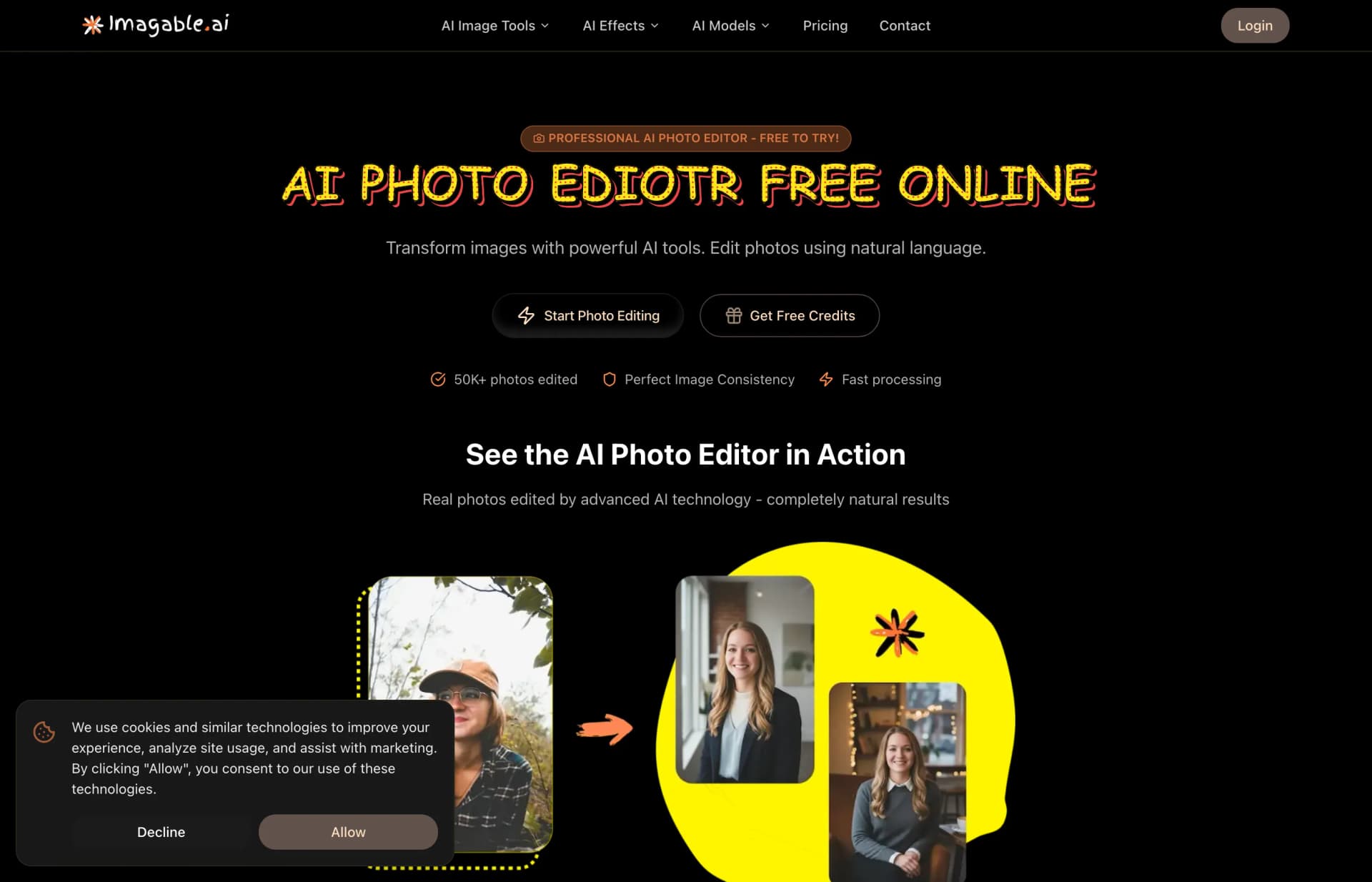
Imagable generates and edits images and videos from text, image and video inputs. It also includes background removal, image upscaling and image-to-prompt tools.
0
About
Imagable combines AI image generation, video generation and image editing in one service. It accepts text prompts, images and videos. Users can create images from descriptions, animate still images, apply effects to existing videos and edit images with text instructions. It also offers background removal, upscaling and image-to-prompt tools. Basic tools have a daily free allowance, while premium models and video generation use credits.
Is Imagable right for your workflow?
Product details from the vendor’s documentation.
Who it is for
- Professional creators and businesses.
- Agencies.
What you provide
- Text prompts, images and videos.
What you can create or export
- AI-generated and edited images.
- Generated videos, with 720p, 1080p and 4K resolutions advertised.
How it works
- For image generation, enter a description, select a model and generate the image.
Limits and requirements
- The free plan requires account registration and includes 10 free tool uses per day.
- The pricing page lists personal-use licenses for Free and Hobby, and commercial-use licenses for Creator, Pro and Agency.
Access, licensing and data
- An account is required for daily free allowances and saving generation history. Limited tool trials are available without an account.
- Imagable advertises API access.
- The privacy policy says generated content may be used to improve AI models, with an opt-out available.
- The privacy policy says personal information is not used for training without explicit consent.
- The privacy policy says account data is retained while an account is active and for a reasonable period after closure. Generated content is stored according to account settings and applicable laws.
Use cases
- Animate a static image into a video.
- Restore old photographs.
Features
- 1 - Generate images from text prompts or transform existing images.
- 2 - Generate videos from text, animate still images or apply effects to existing videos.
- 3 - Edit images using text instructions.
- 4 - Remove image backgrounds.
- 5 - Upscale images to 4K.
- 6 - Generate descriptions and prompts from images.
- 7 - Adjust aspect ratio, quality and generation settings.
- 8 - Process multiple images simultaneously.
Pricing plans
Mini Refill
$12/one-time
- 1,000 credits that do not expire.
Power Pack
$45/one-time
- 4,500 credits that do not expire.
Jumbo Pack
$100/one-time
- 11,000 credits that do not expire.
Subscriptions provide a recurring monthly credit allowance. One-time credit packs do not expire and can be purchased without a subscription.
FAQ
Can I use the free tools without credits?
After registration, users receive 10 welcome credits and access to tools such as Image Upscaler and Background Remover. Free users receive 10 tool uses per day. Subscribers and credit pack buyers receive 500 free tool uses per day.
What happens if a generation fails?
Imagable says it charges only for successful results. When its system detects an API failure or technical glitch, it automatically refunds the credits to the account balance.
What is your refund policy?
First-time subscribers who have used fewer than 100 credits can request a refund within 72 hours of purchase under the three-day money-back guarantee. Credit pack purchases and renewals are generally non-refundable.
Loading reviews...
Explore similar tools
Matched by shared tasks, capabilities and categories.

Xole AI Image Generator
FreemiumNo ratings yet
0 reviews
Shared focus: photo enhancement, ai image generator
Xole AI generates images from prompts and edits photos with tools for selected-area changes, image expansion and background replacement.

ClipLumi
FreemiumNo ratings yet
0 reviews
Shared focus: ai photo editor, image editing
AI photo editor that transforms images based on user descriptions and reference images.

Wave AI
FreemiumNo ratings yet
0 reviews
Shared focus: ai photo editor, image editing
Effortlessly create stunning visuals with Wave AI, your premier AI photo editor and image editor.

PicLumen
FreemiumNo ratings yet
0 reviews
Shared focus: image editing, ai image generator
Free AI image and video generator that transforms text and images into stunning visuals.

GPT Image 2
FreemiumNo ratings yet
0 reviews
Shared focus: image editing, ai image generator
Generate stunning images and animate them into videos with GPT Image 2.

GPT Image 2.0
FreemiumNo ratings yet
0 reviews
Shared focus: image editing, ai image generator
Create stunning images from text prompts with GPT Image 2.0, an AI-powered image generator.