
StreamGen
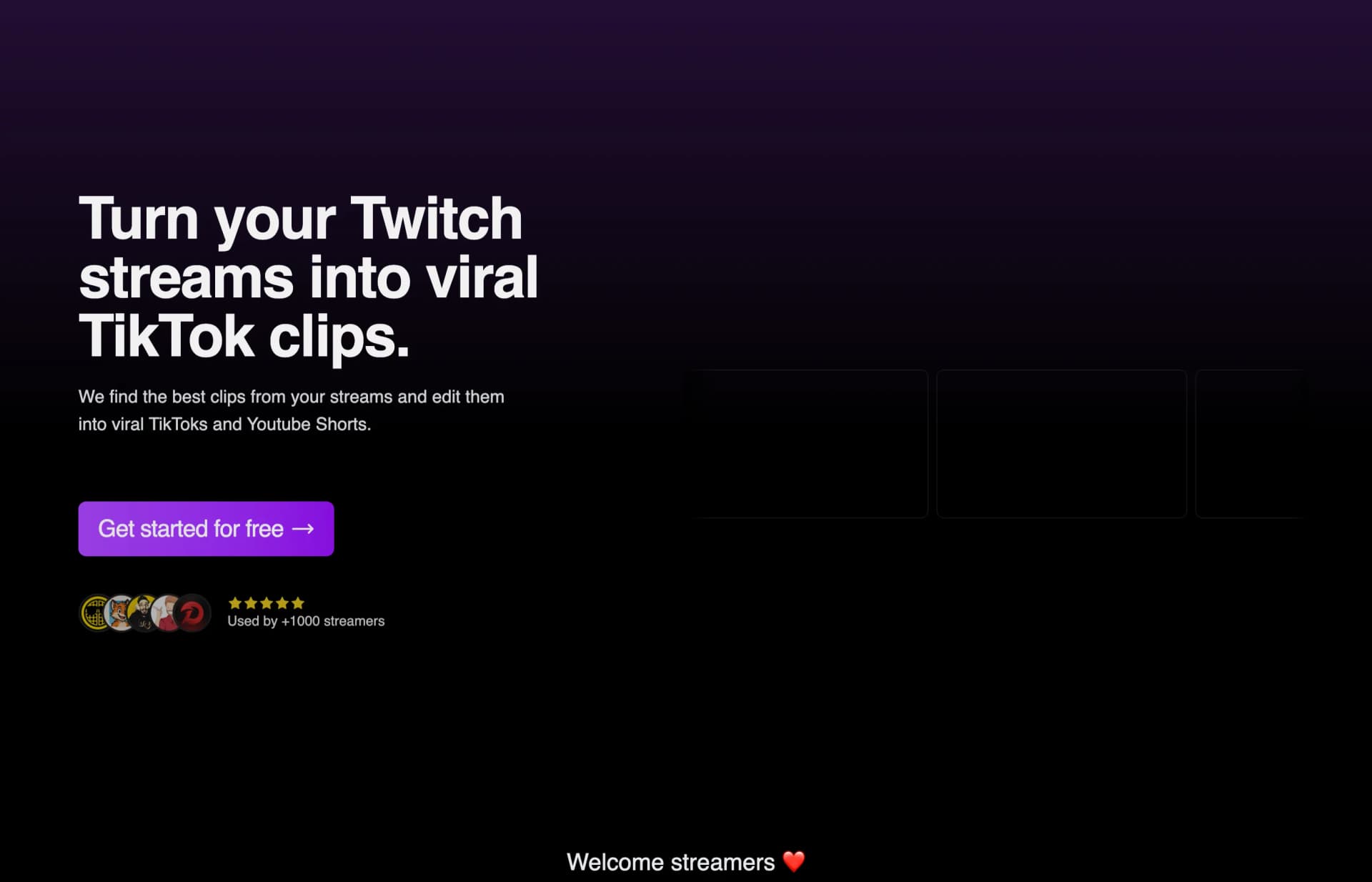
StreamGen finds highlights in Twitch streams, edits them into vertical shorts and schedules posts to TikTok, YouTube Shorts and Instagram Reels.
0
About
StreamGen helps Twitch streamers turn broadcasts into short social videos. Its AI uses stream chat and audio to identify potential highlights. The editor converts clips into vertical layouts that keep gameplay and facecam visible, with animated captions and silence removal. Users can schedule and publish clips directly to TikTok, YouTube Shorts and Instagram Reels. Ultimate adds automated stream importing, clipping and short creation.
Is StreamGen right for your workflow?
Product details from the vendor’s documentation.
Who it is for
- Twitch streamers
What you provide
- Twitch VODs.
- Twitch clips and video files for manual import.
What you can create or export
- Vertical short videos for TikTok, YouTube Shorts and Instagram Reels.
- 1080p exports at 30fps on Starter and 60fps on Plus and Ultimate.
Integrations
- Connect TikTok, YouTube Shorts and Instagram Reels channels to schedule and publish clips directly.
Supported languages
- Automated captions are listed as supporting 99 languages; individual languages are not specified.
Limits and requirements
- Starter limits exports to five shorts per month.
- Starter allows automated captions, silence removal, word censoring and automatic layouts once per day each.
- Uploaded-video clipping and customized AI clipping require Ultimate.
- The terms require users to be over 18.
Access, licensing and data
- The vendor advertises free access without a credit card.
- StreamGen says its YouTube API access can be revoked through Google Security Settings.
Use cases
- Repurpose Twitch broadcasts into short videos for social feeds.
- Create clips from gaming, just-chatting, roleplaying and playthrough streams.
- Turn Twitch streams into edited projects for further work in DaVinci Resolve or Adobe Premiere Pro.
Features
- 1 - AI highlight detection using stream chat and audio.
- 2 - Vertical cropping and layouts that keep facecam and gameplay in view.
- 3 - Animated captions, silence removal and AI-generated title hooks.
- 4 - Manual or AI-based word censoring in captions and audio.
- 5 - Direct publishing and scheduled posting to TikTok, YouTube Shorts and Instagram Reels.
- 6 - Ultimate-only Autopilot for importing streams, finding clips and creating shorts.
Pricing plans
Starter
Free
- 5 shorts per month
- 1080p export and no watermark.
Subscriptions renew automatically unless canceled before the billing period ends. Cancellation leaves access active until the end of that period. Subject to applicable law, payments are non-refundable, and partial periods or unused service do not receive refunds or credits.
FAQ
How does the AI clip generator work?
It analyzes chat and audio to identify potential highlights. Ultimate users can describe what makes their clips engaging to customize the clipping engine.
Can I import clips manually?
StreamGen supports importing Twitch clips or video files, as well as creating manual clips from Twitch broadcasts. Availability depends on the plan; the pricing table excludes Twitch clip imports from Starter.
Can I customize my captions?
Yes. The editor offers predefined caption styles and effects that users can customize.
Loading reviews...
Explore similar tools
Matched by shared tasks, capabilities and categories.

ShortMake
FreemiumNo ratings yet
0 reviews
Shared focus: video editing, tiktok
Transform your ideas into viral videos with AI in minutes. No editing skills required!

Autopilot Shorts
FreemiumNo ratings yet
0 reviews
Shared focus: video editing, tiktok
Generate faceless video shorts easily with AI, perfect for content creators and marketers.

Crayo
FreemiumNo ratings yet
0 reviews
Shared focus: video editing, streaming
Edit viral videos effortlessly with Crayo's AI-powered tools for voiceovers and subtitles.

Nullface AI
FreemiumNo ratings yet
0 reviews
Shared focus: tiktok, content creation
Create engaging faceless videos effortlessly with Nullface AI, perfect for content creators.

CoCoClip
FreemiumNo ratings yet
0 reviews
Shared focus: video editing, tiktok
Create stunning videos effortlessly with CoCoClip's AI-powered tools for social media.

Gling
FreemiumNo ratings yet
0 reviews
Shared focus: video editing, content creation
AI-powered video editor that streamlines the editing process for YouTube creators.