
Pictory
Pictory turns ideas and source material into videos with AI-planned scripts and scenes. Review a preview, then refine it through chat or the editor before generating the final video.
Visit Pictory ↗- Category
- Videos
- Pricing
- 25$ /month
- Platforms
- Web
- Creates
- Video · Images
- Source checked
- Nov 11, 2026
What is Pictory?
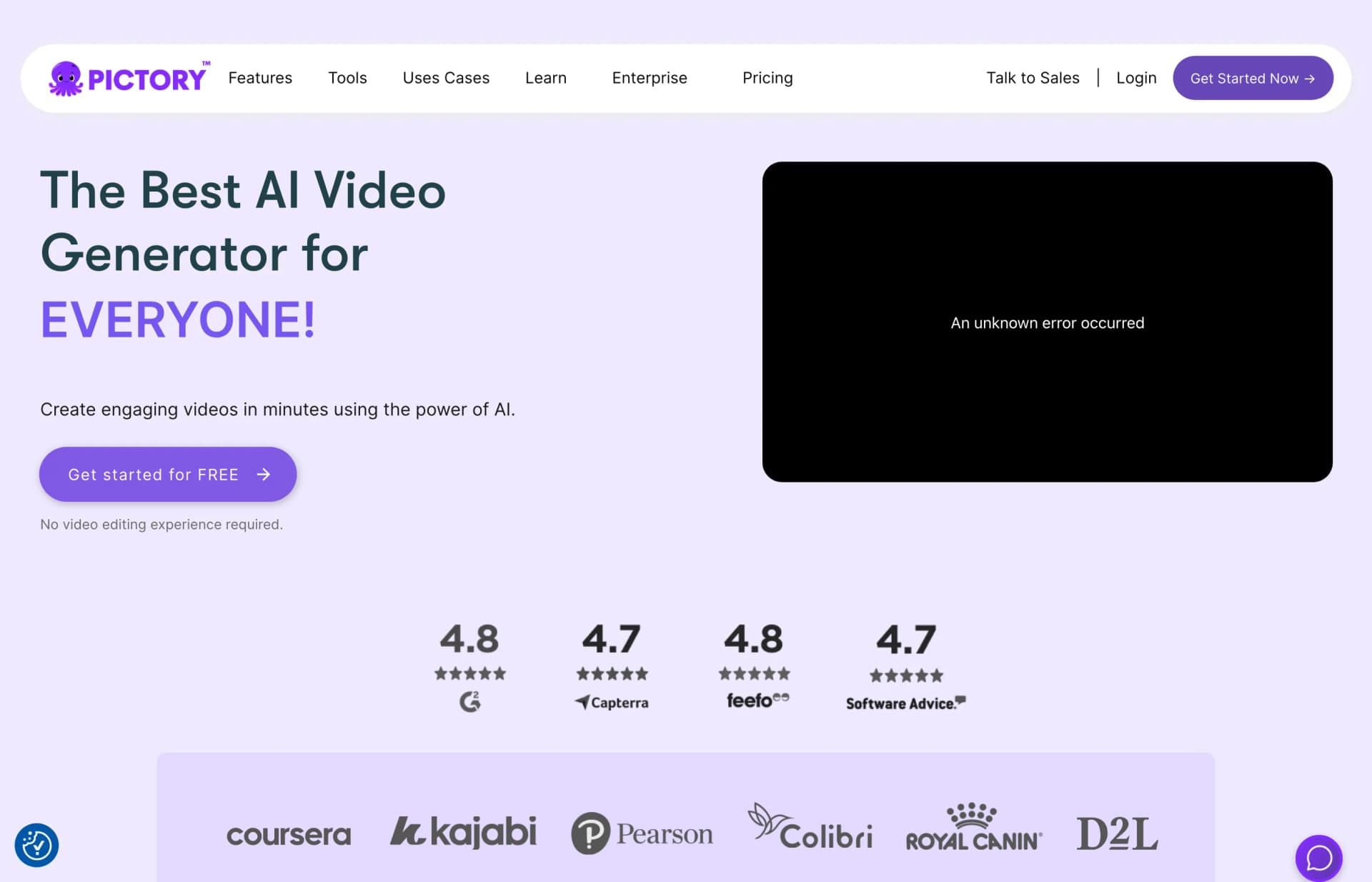
Pictory is an AI video generator and video agent that turns prompts, scripts, articles, URLs, PowerPoint presentations, images and audio into videos. It prepares a script, scenes and a preview, which users can refine through chat or in the editor before generating the final file. Its tools include captions, AI voices, avatars and branding. The vendor describes uses in marketing, education, corporate training and social media.
Pictory features
Image animation
Upload an image and describe its movement to generate a video in AI Studio.
Reference image consistency
Use reference images to maintain the same person or product across scenes.
Prompted clip extension
Continue a generated or uploaded clip using a new prompt.
Automatic brand application
Import branding from a website, document or logo and apply it across scenes.
Safety & privacy
Documented policies and disclosures; not a security certification.
- Delete account and data
- On request
The privacy policy directs users to request deletion of personal information at info@pictory.ai, subject to retention exceptions.
Source ↗
Is Pictory right for your workflow?
Product details from the vendor’s documentation.
Who it is for
- Solo creators and learning and development teams
What you provide
- Prompts, scripts, articles, URLs, images, audio and screen recordings
- PowerPoint .pptx files
What you can create or export
- Videos in landscape 16:9, portrait 9:16 and square 1:1 formats
- Subtitle files in .srt, .vtt and txt formats
Supported platforms
- Web
Integrations
- Make and Zapier workflows can move completed videos into storage, team folders or connected apps.
- ElevenLabs supplies AI voices within Pictory.
How it works
- Describe the topic, audience, purpose and length, and add source files or URLs.
- Choose voiceover, visual sources, aspect ratio, layout preset and brand kit.
- Review and correct the script and scenes before generating a preview.
- Request changes through the agent or editor, then generate and download the video.
Limits and requirements
- Trial exports are limited to 720p; Starter, Professional and Teams exports are limited to 1080p.
- Custom avatar and voice cloning require a consent recording for identity verification.
Access, licensing and data
- The terms require a Pictory account to use the services.
- Pictory offers an API for creating videos from other software, with its own plans.
- The privacy policy says submitted information may be retained for backups, archiving, fraud prevention, legal obligations or other reasons the vendor considers legitimate.
Official sources (6)
These sources describe the vendor’s product. They do not represent hands-on testing by Artificin. Check the vendor for current pricing and terms.
Use cases
- Create marketing ads, product explainers and campaign assets.
- Turn lesson ideas into narrated teaching videos.
- Create onboarding, compliance and instructional videos from internal knowledge.
- Produce short clips, stories and updates for social media.
Pictory tutorials & resources
Guides, videos and reusable material for getting more out of Pictory. Each link goes to the original source.
From Pictory
Home | Pictory Help Center
Find help with video creation, storyboard editing, audio, branding, exports, project management, and team workspaces.
AI Studio Overview | Pictory Help Center
Use AI Studio to generate images and video clips with prompts, reference images, model settings, and estimated credit costs.
Video Templates and Layouts: How Pictory Helps You Create Professional Videos at Scale
Understand how ready-to-edit templates and scene layouts support repeatable video production and text-and-visual formatting.
Pictory Academy
Browse walkthroughs covering video creation, editing, voiceovers, avatars, downloads, and repurposing existing content.
How to Turn an Idea Into a Video with Pictory AI
Create a first video from a brief or source material, review the agent's story, refine scenes, and generate a downloadable file.
How to Edit Existing Videos with the AI Video Editor in Pictory AI
Learn to review narration and scene accuracy, request story changes through chat, and use the editor for precise scene adjustments.
How to Create Videos Using AI Avatars in Pictory
Choose an AI presenter, customize its appearance and voice, position it within scenes, and export an avatar-led video.
How to Use the Visuals Tab in Pictory AI
Learn how to choose and manage scene media using stock images and footage, AI Studio visuals, and your own uploads.
How to Write Good Image Prompts for Pictory AI Visual Studio
Write image prompts aligned with training objectives, with examples for leadership, compliance, safety, and remote learning scenarios.
How to Use Pictory on Mobile (2026)
Start a video in a mobile browser, review its script and preview, then continue on desktop to refine scenes and download the result.
Text to Video for Instructional Designers: Creating eLearning Videos With AI
Follow a lesson-script-to-training-video process using visuals, voiceover, captions, branding, and optional AI avatars.
Video tutorials
How to Turn a Voiceover into Video with AI | Pictory 3 Tutorial 🎙️
Learn how to turn a voiceover recording into a video using Pictory 3.
How to Edit Videos with AI Commands | Pictory 3 Agentic Video Editing
Learn how to make video edits through AI commands using the Pictory 3 agent.
Independent resources are made by their authors, not by Pictory or Artificin, and may describe older versions.
Similar tools
Matched by shared tasks, capabilities and categories.

Create stunning cinematic videos from text descriptions in seconds with Kling O1's advanced AI technology.

Veoo is an AI video generator that transforms text and images into cinematic videos with high-quality results.

Transform your ideas into stunning videos with Vidfly's AI-powered platform.

Create stunning videos in minutes using AI technology. Transform text and images into high-quality videos effortlessly.
An AI-assisted video editor that turns plain-language instructions into multitrack timeline edits, with manual control…
- Video
- Images
- Text

Create stunning AI-generated videos from text and images in minutes with VO3 AI.
Pictory FAQ
What is Pictory?
Pictory is an AI video generator and agent. It builds video scenes from a description or sources such as scripts, URLs, PowerPoint, images and audio, with captions, voices, avatars and branding.
How do credits and video minutes work?
Plans include a credit allowance alongside the video minutes it covers. The pricing FAQ gives Professional as an example, with 72,000 credits covering 1,080 minutes of video per year.
Directory listing. Confirm current features, pricing and terms with the provider. User ratings are separate from editorial testing.
Report outdated information or request ownership of this listing
Help keep Pictory accurate. Include an official source and describe the correction. Ownership requests are reviewed manually and do not grant editing access.
Pictory user ratings
Be the first to rate Pictory. It takes four clicks, and a written review is optional.