
Speechify
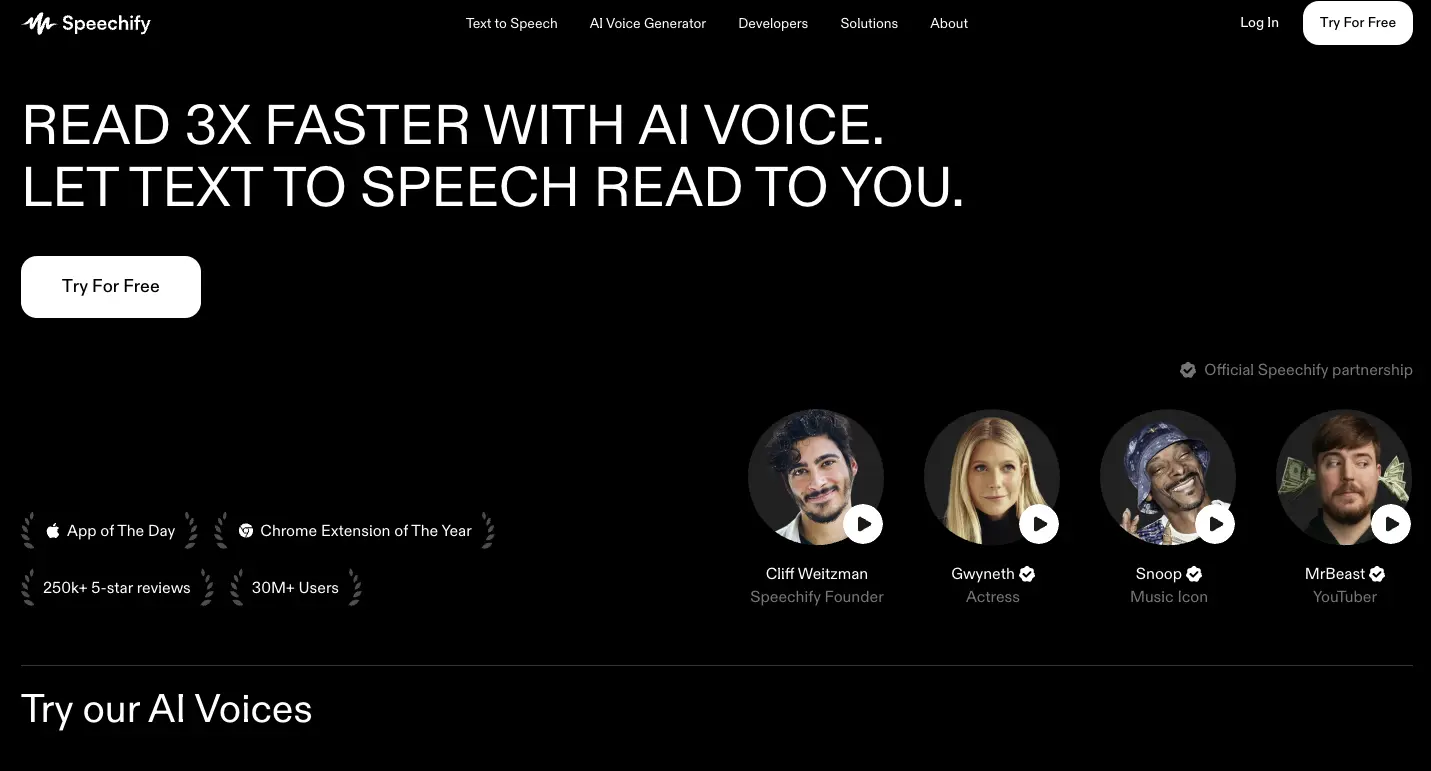
Speechify reads text aloud and combines voice dictation, contextual questions, summaries, and AI podcast creation.
0
About
Speechify is a voice AI assistant for listening to written content, dictating text, and asking questions about what you read. Its web app can read uploaded PDFs aloud, summarize them, or turn them into podcasts. It also offers meeting summaries and voice-created notes and documents. The vendor addresses professionals working through documents and emails, students reviewing course material, and creators turning ideas into podcasts. A free plan covers text to speech only; Premium adds assistant, dictation, and podcast features.
Is Speechify right for your workflow?
Product details from the vendor’s documentation.
Who it is for
- Professionals
- Students
- Creators
What you provide
- Books, web pages, and documents for listening.
- PDF, DOCX, TXT, and EPUB uploads in the online text-to-speech tool.
- Documents or short descriptions for podcast creation.
What you can create or export
- Spoken audio, with audio downloads available in the online text-to-speech tool.
- AI-generated podcasts.
Supported platforms
- Web app
- Chrome and Edge browser extensions
- iOS and Android apps
- Windows and Mac apps
Integrations
- Premium lists integrations with Google Drive, Dropbox, and Microsoft OneDrive.
Supported languages
- Online text-to-speech output supports 60+ languages, including English, Spanish, French, German, Hindi, Portuguese, Chinese, Japanese, and Arabic.
How it works
- In the online text-to-speech tool, type or paste text.
- Choose a voice and language, then press Play.
- Click Download to save the generated audio.
Limits and requirements
- The free subscription plan offers text to speech only, with 10 voices and a maximum listening speed of 1.5x.
Access, licensing and data
- The online text-to-speech page offers conversion without signing up.
- The online tool's FAQ says a free Speechify account saves documents and syncs the library across devices.
Use cases
- Listen to work documents and emails, dictate responses, and ask follow-up questions.
- Review class material or prepare for exams using summaries, podcasts, and voice notes.
- Turn ideas, articles, or links into podcasts.
- Listen to text with adjustable voices and speed as an alternative to visual reading.
Features
- 1 - Read books, PDFs, documents, and web pages aloud.
- 2 - Follow text highlighting while listening and adjust playback speed.
- 3 - Photograph printed text to hear it read aloud.
- 4 - Ask questions and receive answers based on the content you are listening to.
- 5 - Dictate text across Windows and Mac apps.
- 6 - Create podcasts from a document or short description, with adjustable style and depth.
- 7 - Generate meeting summaries and ask questions about a call.
- 8 - Create notes and documents by voice and ask questions across your files.
- 9 - Turn reading material into quizzes and recap it when you return.
Pricing plans
Premium
$29/monthly
- Includes 1,000+ voices
- 60+ languages
- Scan & Listen
- AI summaries and chats
- voice typing
- AI podcasts
- and Voice AI Assistant.
The displayed Premium price is billed monthly. The free plan is limited to text-to-speech features, 10 voices, and listening speeds up to 1.5x.
FAQ
What is Speechify?
Speechify is a voice AI productivity assistant that combines voice conversations, research and answers, text to speech, dictation, AI notes, and podcast creation.
Can I download the audio?
The online text-to-speech tool provides a Download button to save converted audio for offline listening, sharing, or personal projects.
Can it read PDFs and documents aloud?
The online tool accepts uploaded documents, including PDF, DOCX, TXT, and EPUB, for reading aloud.
Loading reviews...
Explore similar tools
Matched by shared tasks, capabilities and categories.

FineVoice
FreemiumNo ratings yet
0 reviews
Shared focus: text to speech
Transform your voice into 1000+ realistic voices with FineVoice's AI voice changer.

Vogent Voicelab
FreemiumNo ratings yet
0 reviews
Shared focus: text to speech
Create humanlike voice agents effortlessly with Vogent Voicelab's no-code platform.

FakeYou
FreemiumNo ratings yet
0 reviews
Shared focus: text to speech
AI-powered voice and video generator using celebrity-like voices.

Hume AI
FreemiumNo ratings yet
0 reviews
Shared focus: text to speech
Create expressive and realistic voice AI for audiobooks, podcasts, and more with Hume AI.

Inworld
FreemiumNo ratings yet
0 reviews
Shared focus: text to speech
Inworld provides real-time text-to-speech with low latency, perfect for interactive applications.

Eleven Labs
FreemiumNo ratings yet
0 reviews
Shared focus: text to speech
Create lifelike speech with rich emotion using Eleven Labs' advanced Text to Speech technology.