WorldEngen
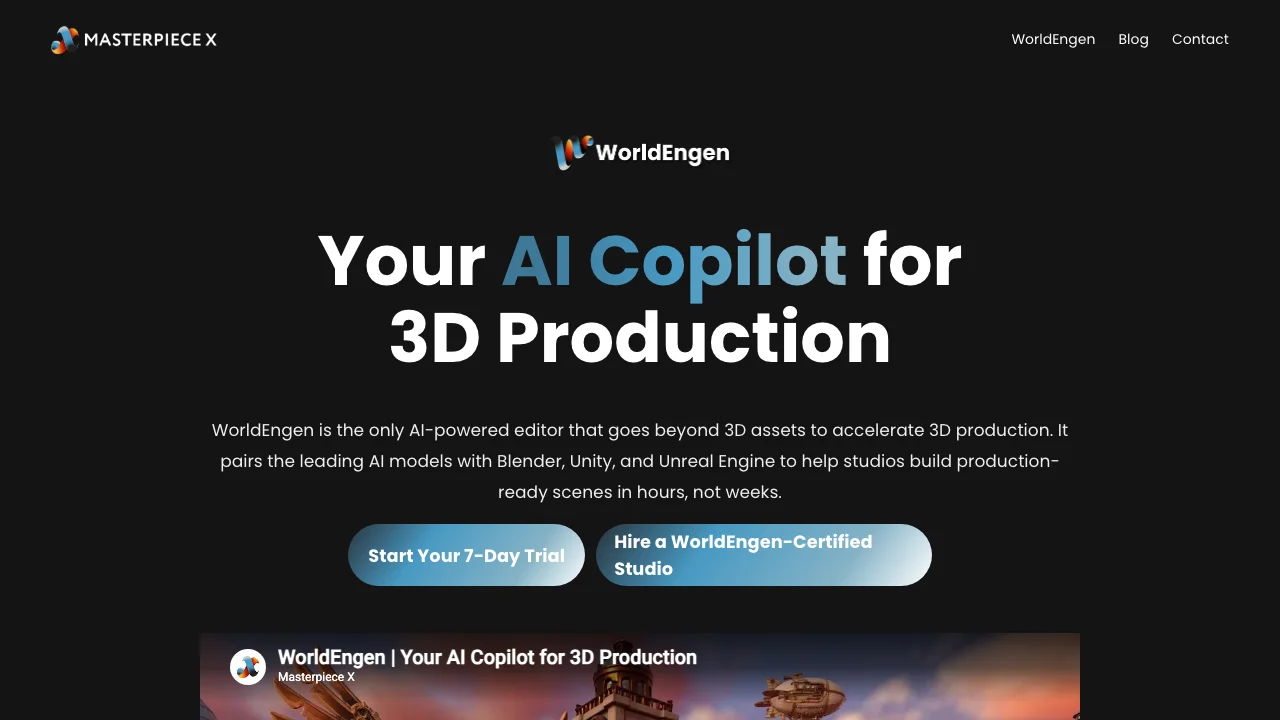
WorldEngen is an AI-assisted 3D production editor that turns prompts, reference boards and rough ideas into assets and editable scenes for Blender, Unity and Unreal Engine workflows.
Visit WorldEngen ↗- Category
- 3D
- Platforms
- Desktop application
- Creates
- Images · Video
What is WorldEngen?
WorldEngen is an AI-assisted editor for producing complete 3D scenes. It brings concept art, style guides, greyboxes, assets and scenes into one editor, where its agents can help with brainstorming and production. The product works with Blender, Unity, Unreal Engine and asset libraries.
Users can begin with a text prompt, reference board or rough idea. WorldEngen can turn that direction into concept art, image kits, greyboxes, videos, 3D models and style guides, then assemble the material in a live scene that remains editable. Its supported production tasks include layout, set dressing and asset work.
WorldEngen is presented for game and interactive-world production, simulation and training, 3D and animation teams, and film, television and cinematic work. The documented setup involves installing the latest desktop application, launching it and selecting the pair button to establish a connection. Creation then continues in the desktop app. The vendor offers a seven-day trial, but the supplied sources do not state plan names, prices or trial restrictions.
WorldEngen features
Unified worldbuilding
Collects concept art, style guides, greyboxes, assets and scenes with 3D agents in one editor.
Multi-format generation
Creates concept art, image kits, greyboxes, videos, 3D models and style guides from user direction.
Live scene assembly
Brings generated material into a live scene that users can continue shaping.
Production-tool connections
Connects with Blender, Unity, Unreal Engine and asset libraries.
Environment assistance
Handles supported production tasks including repetitive layout, set dressing and asset work.
WorldEngen pricing
A seven-day trial is advertised, but its limits and billing terms are not stated in the supplied sources.
Is WorldEngen right for your workflow?
Product details from the vendor’s documentation.
Who it is for
- Game and interactive-world production teams
- Simulation and training environment teams
- 3D and animation teams
- Film, television and cinematic production teams
What you provide
- Text prompts
- Reference boards
- Rough ideas
- Concept art
- Style guides
- Greyboxes
- Existing assets and scenes
What you can create or export
- Concept art
- Image kits
- Greyboxes
- Videos
- 3D models
- Style guides
- Editable live scenes
Supported platforms
- Desktop application
Integrations
- Blender
- Unity
- Unreal Engine
- Asset libraries
How it works
- Install the latest version of the WorldEngen desktop application.
- Launch the desktop app and select the pair button to establish a connection.
- After connecting, begin creating 3D worlds in the desktop application.
Limits and requirements
- The documented setup requires the latest version of the WorldEngen desktop application.
- The available offer is described as a seven-day trial, with no trial limits stated on the supplied page.
Access, licensing and data
- The vendor advertises a seven-day WorldEngen trial.
Official sources (2)
These sources describe the vendor’s product. They do not represent hands-on testing by Artificin. Check the vendor for current pricing and terms.
Use cases
- Blocking, dressing and iterating levels for games and interactive worlds.
- Creating and updating environments for simulation and training.
- Turning rough ideas into complete scenes for 3D and animation production.
- Developing shot-ready environments for film, television and cinematics.
Related videos
Videos linked from the tool’s official website. These may include demos, tutorials or promotional content.
Similar tools
Matched by shared tasks, capabilities and categories.

Transform images and sketches into 3D assets with AI. Perfect for game and product designers.

3D AI Studio generates textured 3D models from text prompts or images. It also supports texturing, remeshing, rigging…
- Images
- Video
- Free plan:
- Free credits for selected tools
- From
- $12/month, billed annually

The fastest way to create 3D models with AI from images.

Create stunning 3D models in seconds using text and images with Tripo AI.

Higgsfield AI generates and edits images, videos and voice content. Its tools include short-video presets, selective…
- Images
- Video
- Voice
- From
- $15/month, billed annually

Create stunning 3D models from text and images in seconds with Meshy, the intuitive AI 3D model generator.
WorldEngen FAQ
What does WorldEngen create?
WorldEngen can turn prompts, reference boards or rough ideas into concept art, image kits, greyboxes, videos, 3D models and style guides, then bring them into a live scene.
Which 3D tools does WorldEngen work with?
WorldEngen works with Blender, Unity and Unreal Engine. The vendor also says it can connect with asset libraries.
Who is WorldEngen intended for?
WorldEngen is presented for games and interactive worlds, simulation and training, 3D and animation, and film, television and cinematic production.
How do users begin working with WorldEngen?
Users install the latest WorldEngen desktop application, launch it and select the pair button to establish a connection. They can then create 3D worlds in the desktop app.
Does WorldEngen offer a trial?
WorldEngen offers a seven-day trial. The supplied product page does not describe its usage limits or conversion terms.
Directory listing. Confirm current features, pricing and terms with the provider. User ratings are separate from editorial testing.
Report outdated information or request ownership of this listing
Help keep WorldEngen accurate. Include an official source and describe the correction. Ownership requests are reviewed manually and do not grant editing access.
WorldEngen user ratings
Be the first to rate WorldEngen. It takes four clicks, and a written review is optional.
Rate WorldEngen
Log in to rate WorldEngen in four clicks. A written review is optional.
Log In to Rate