
Skyvern
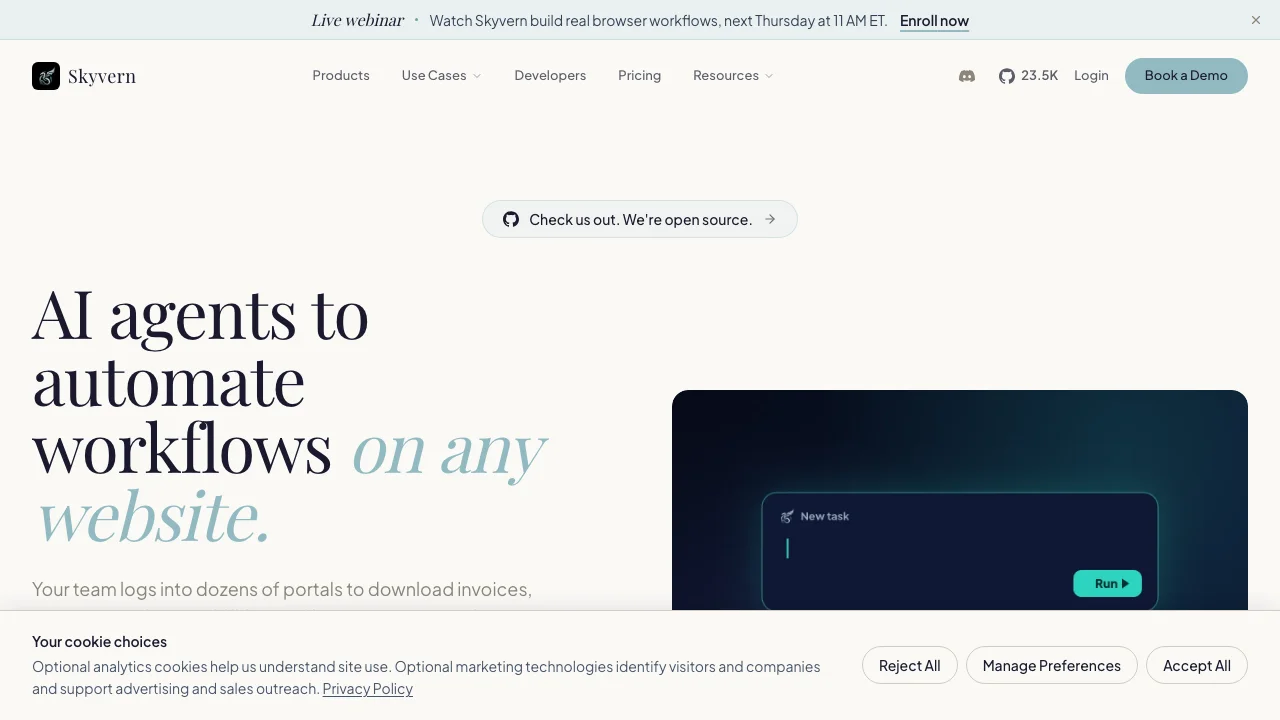
Skyvern uses AI agents to automate browser workflows such as navigation, form filling, authenticated data extraction and file downloads. It supports visual, no-code and code-based workflow creation.
Visit Skyvern ↗- Category
- AI Agents
- Pricing
- Paid
- Platforms
- Skyvern Cloud managed deployment · Self-hosted deployment through pip or Docker Compose
- Languages
- Python SDK · TypeScript SDK
- Creates
- Text · Code
- Price from
- $29/month
What is Skyvern?
Skyvern is an AI-powered browser automation platform for web-based workflows. It uses large language models and computer vision to navigate websites, fill forms, enter data, extract information and complete multi-step tasks. It can work through logins, two-factor authentication and CAPTCHAs, and it provides recordings, screenshots and action logs for reviewing runs.
A task can start with a URL and a natural-language prompt. Skyvern opens a cloud browser, works toward the requested goal and returns a result, including structured output when an extraction schema is supplied. Users can also create workflows through Copilot Chat, a visual editor, a recorded browser demonstration or an uploaded procedure document. Developers can trigger tasks through Python and TypeScript SDKs, a REST API, webhooks or MCP.
Skyvern is intended for developers, operations teams and organizations automating browser work on portals without suitable APIs. Supported scenarios include invoice retrieval, form submission, document processing, data extraction and browser testing. It can run as a managed cloud service or be self-hosted under the AGPL-3.0 license.
Hobby and Pro are paid monthly plans with 14-day trials and defined credit and concurrency limits. Enterprise has custom credits and unlimited concurrent agents. Users are responsible for reviewing automated output and ensuring they are authorized to automate each target website.
Skyvern features
Natural-language tasks
Accepts a prompt and starting URL, then operates a cloud browser toward the requested goal.
Structured extraction
Returns typed results using an optional schema, with JSON, CSV, table and nested-object support.
Authentication handling
Supports logins, TOTP, QR-based two-factor authentication, SMS and email verification.
Visual workflow builder
Chains navigation, extraction, login, loops and code blocks through a drag-and-drop editor.
Developer interfaces
Provides Python and TypeScript SDKs, REST endpoints, webhooks and MCP connectivity.
Run observability
Displays live browser activity, recordings, screenshots, action logs and extracted results.
Persistent sessions
Preserves cookies, authentication tokens and local storage between runs.
Flexible deployment
Runs through a managed cloud service or on self-hosted infrastructure.
Skyvern pricing
Hobby
$29 per month
- 30,000 credits per month, 10 concurrent agents, basic CAPTCHA solver, webhooks, stored credentials, country geo-targeting and email support.
Pro
$149 per month
- 150,000 credits per month, 25 concurrent agents, advanced CAPTCHA solver, team workspaces, 2FA/TOTP support, 1Password integration, residential proxy, city-level geo-targeting and priority support.
Enterprise
Custom
- Custom credits, unlimited concurrent agents, SAML SSO, role-based access control, dedicated support, custom code blocks and human-in-the-loop features.
Hobby and Pro begin with a 14-day trial. The pricing page says cancellation before day 14 results in no charge.
Safety & privacy
Documented policies and disclosures; not a security certification.
- Chats used for AI training
- Yes
Skyvern's terms say anonymized or aggregated data may support model training, with an enterprise opt-out.
Source ↗
Is Skyvern right for your workflow?
Product details from the vendor’s documentation.
Who it is for
- Developers building browser automation
- Operations teams automating manual portal work
- Enterprise teams replacing browser-based manual processes
What you provide
- A natural-language prompt and starting URL
- An optional data-extraction schema
- PDFs or documents describing standard operating procedures
- A recorded demonstration of a browser task
What you can create or export
- Structured task results
- JSON or CSV extracted data
- Downloaded files such as invoice PDFs
- Browser recordings, screenshots and step-by-step action logs
Supported platforms
- Skyvern Cloud managed deployment
- Self-hosted deployment through pip or Docker Compose
Integrations
- Zapier connector for extending Zaps into browser workflows
- Make integration for visual automation scenarios
- Verified n8n node for triggering Skyvern workflows
- 1Password service-account connection for using stored website logins
- Google Sheets integration that reads workflow inputs and writes results
Supported languages
- Python SDK
- TypeScript SDK
How it works
- Sign in to the Skyvern app, open Settings and copy an API key.
- Install the Python or TypeScript SDK.
- Create a task with a prompt, starting URL and optional extraction schema, then run it.
- Open the returned app URL to inspect the browser recording, screenshots, actions and extracted output.
Limits and requirements
- Hobby includes 30,000 credits per month and 10 concurrent agents.
- Pro includes 150,000 credits per month and 25 concurrent agents.
- The Python SDK supports Python 3.11 through 3.14; AI browser page methods require the local extra.
- Skyvern's terms require users to be at least 18 years old.
- Users must verify automated outputs and ensure they have permission to automate target websites.
Access, licensing and data
- Hobby and Pro include a 14-day trial that requires adding a card before the trial and API key are activated.
- Skyvern exposes tasks and workflows through Python and TypeScript SDKs and a REST API.
- Skyvern can be self-hosted with source available under the AGPL-3.0 license.
- The vendor says anonymized or aggregated data may be used for service improvement and model training, with an enterprise-agreement opt-out.
- Google Workspace API data is excluded from AI or machine-learning training, according to Skyvern's privacy policy.
Official sources (9)
These sources describe the vendor’s product. They do not represent hands-on testing by Artificin. Check the vendor for current pricing and terms.
- Skyvern: AI-Powered Browser Automation for Any Website
- Skyvern Pricing: Hobby, Pro and Enterprise Plans
- Privacy Policy: Skyvern
- Skyvern Products: AI Agents & Workflow Builder
- Terms of Service: Skyvern
- Skyvern Use Cases: Healthcare, Insurance, Fintech & More
- Quickstart - Skyvern
- Skyvern Integrations: Connect Your Workflow Stack
- Skyvern for Developers: SDK, API & Open Source
Use cases
- Extract structured data from websites and portals without an API
- Download invoices and automate accounts-payable work across vendor portals
- Fill and submit forms on government, insurance and HR portals
- Download, parse, classify and route portal documents
- Run end-to-end browser tests that adapt to interface changes
- Automate onboarding, offboarding and applicant-tracking-system workflows
Similar tools
Matched by shared tasks, capabilities and categories.
Dify builds and manages data-connected AI agents, chatbots, and visual workflows. Publish applications as web apps…
- Chat
- Text
- Free plan:
- 200 message credits; 5 apps; 1 member

n8n connects AI agents, APIs, and business processes in visual workflows with optional code steps. It supports human…
- From
- 20€/month, billed annually

Build and manage specialist AI agents with visual workflows, shared knowledge and event-based triggers. Relevance AI…
- Text
AutoGPT combines specialist AI Experts coordinated by Otto with a visual agent builder for recurring workflows…
- Text
- Chat
- From
- $42.50/month, billed annually

Beam AI is an enterprise platform for building and operating AI agents that automate bounded workflows. It supports…
Gumloop builds shared AI agents that act across connected business tools and data. Agents can run from chat, triggers…
- Text
- Chat
- From
- $37/month
Skyvern FAQ
What information does a Skyvern task require?
A Skyvern task consists of one prompt and a starting URL. Skyvern opens a cloud browser, works toward the stated goal and returns the result.
Which development interfaces does Skyvern provide?
Skyvern provides Python and TypeScript SDKs, a REST API, webhooks and an MCP integration. Its SDKs can add AI-assisted actions, extraction and validation to Playwright page objects.
Can Skyvern be self-hosted?
Yes. Skyvern offers an open-source, AGPL-3.0 self-hosted deployment through pip or Docker, in addition to its managed cloud service.
Does Skyvern handle authentication and CAPTCHAs?
Skyvern supports website logins, TOTP-based two-factor authentication and CAPTCHA solving. Available CAPTCHA and authentication features vary by plan.
Does Skyvern offer a free trial?
Skyvern offers a 14-day trial for the Hobby and Pro plans. The pricing page says customers who cancel before day 14 pay nothing.
What are Skyvern's paid plan prices?
Skyvern lists Hobby at $29 per month and Pro at $149 per month. Enterprise uses custom pricing and custom credits.
What output can Skyvern return from data extraction?
Skyvern can extract data using a chosen schema and return structured results. The vendor explicitly lists JSON and CSV formats.
Must users review Skyvern's automated output?
Yes. Skyvern's terms state that users are responsible for reviewing and verifying automated output and that AI processing may produce unexpected results.
Directory listing. Confirm current features, pricing and terms with the provider. User ratings are separate from editorial testing.
- Skyvern: AI-Powered Browser Automation for Any Website
- Skyvern Pricing: Hobby, Pro and Enterprise Plans
- Privacy Policy: Skyvern
- Skyvern Products: AI Agents & Workflow Builder
- Terms of Service: Skyvern
- Skyvern Use Cases: Healthcare, Insurance, Fintech & More
- Quickstart - Skyvern
- Skyvern Integrations: Connect Your Workflow Stack
- Skyvern for Developers: SDK, API & Open Source
Report outdated information or request ownership of this listing
Help keep Skyvern accurate. Include an official source and describe the correction. Ownership requests are reviewed manually and do not grant editing access.
Skyvern user ratings
Be the first to rate Skyvern. It takes four clicks, and a written review is optional.